


Create Teams meetings quickly and efficiently
Show me similar content
Microsoft 365 Hacks
Microsoft Teams now makes it even easier to plan meetings in a structured way right within your work environment. Whether it’s a vote or any kind of digital gathering, events can now be organized and managed centrally. You’ll benefit from features such as attendee management, email invitations, and access options.
Thanks to the clear structure, you always have a clear overview of upcoming meetings and relevant information. Invitations can be quickly created and customized, making team coordination significantly more efficient. At the same time, this ensures that all members have the necessary details at the right time. With just a few clicks, you can create templates, invite participants, and add important details such as the agenda and descriptions of call features.
1. Open Teams Calendar
Open Microsoft Teams and go to the calendar. There you'll find an overview of all upcoming appointments and meetings. You can use the calendar view to create new meetings and manage existing appointments.
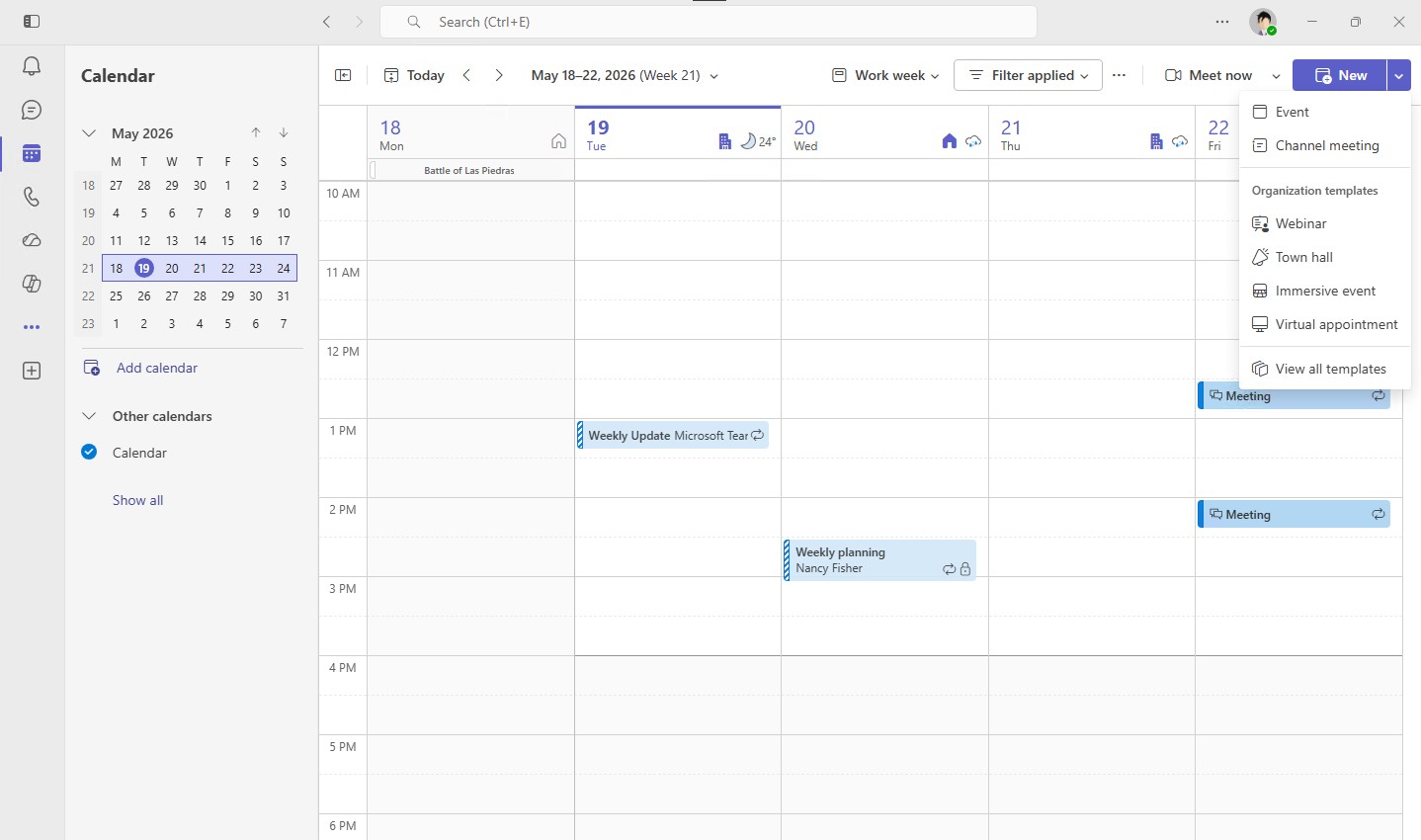
2. Schedule a Meeting
Enter a title and set the date and time. This is how you set the basic parameters for your meeting.
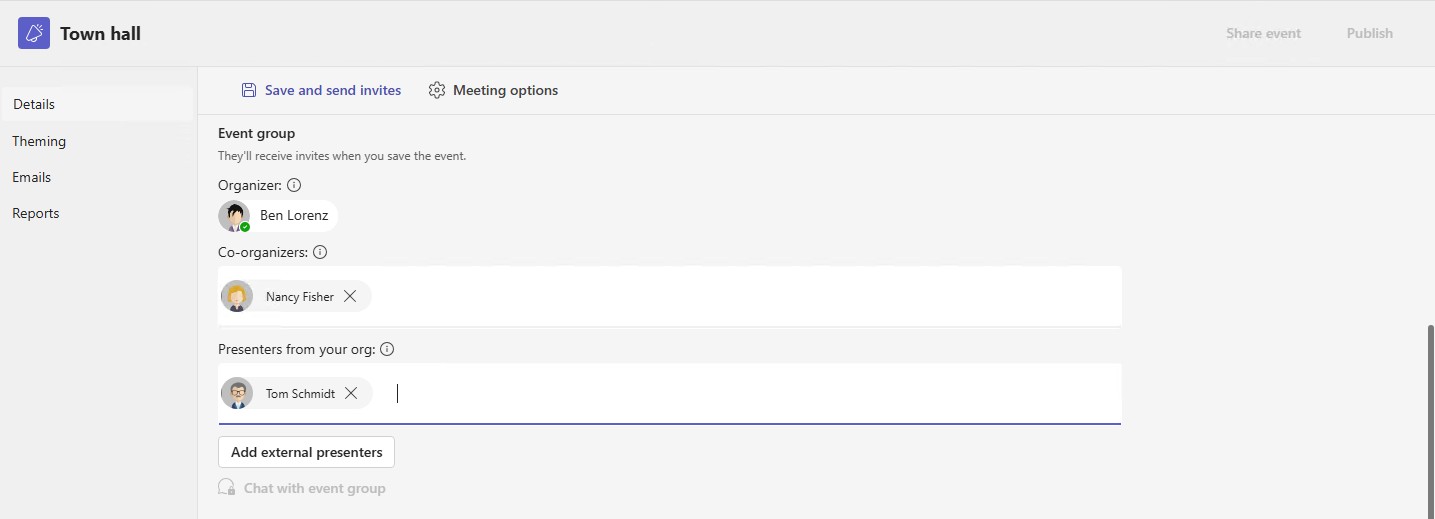
3. Manage Access
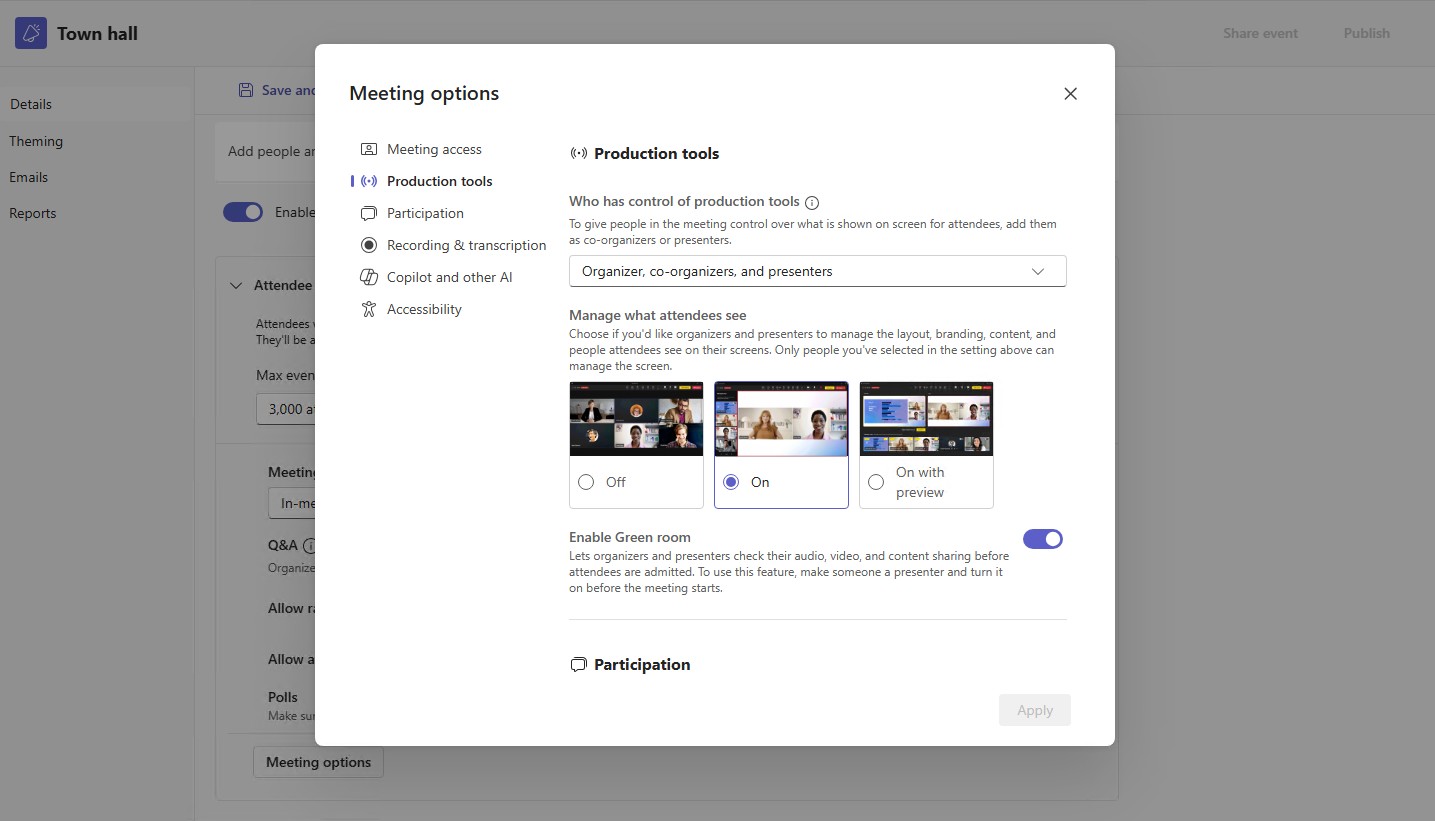
Manage access to your event: whether it's public or internal to your organization.
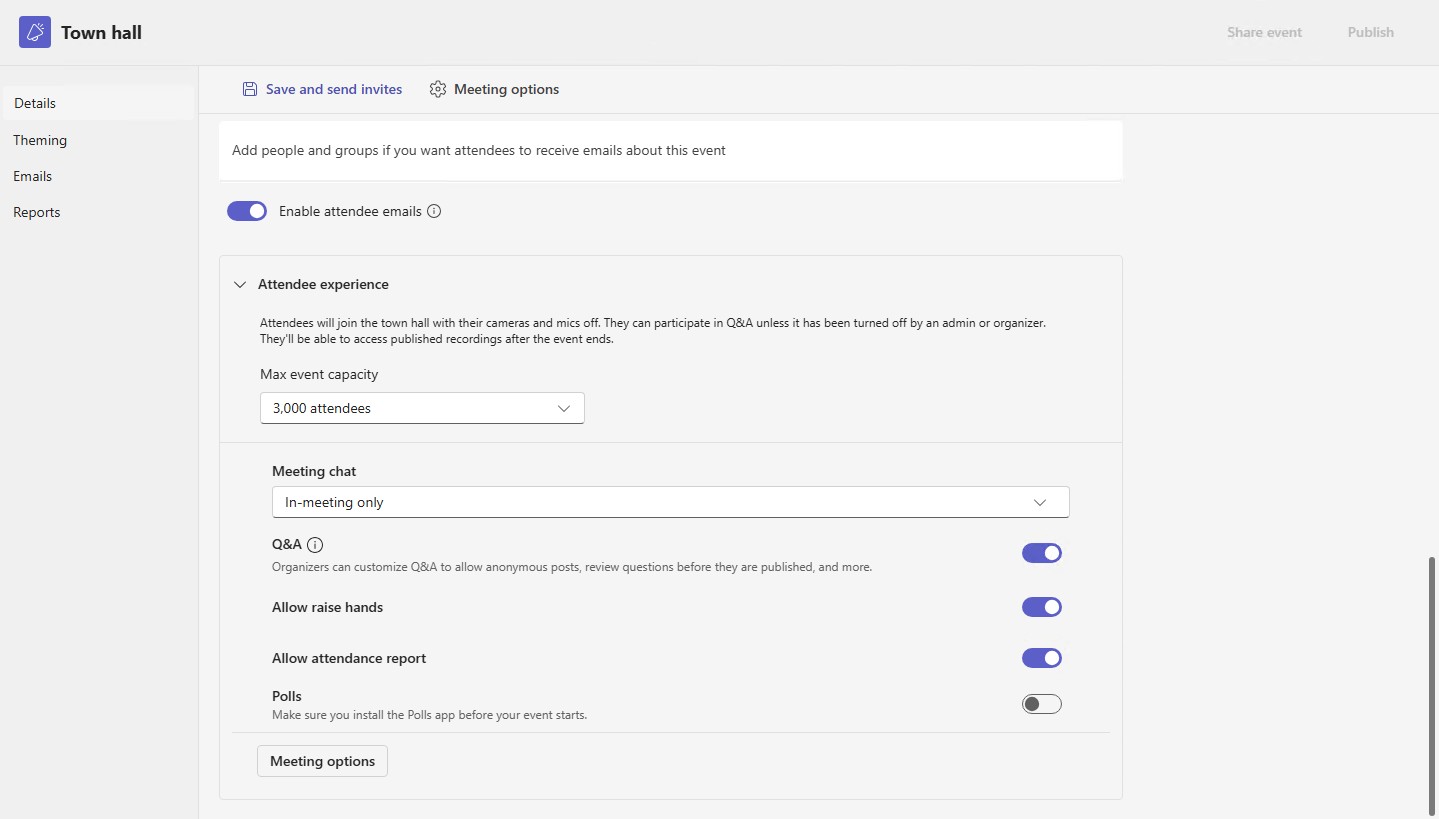
4. Add to the Agenda
Add additional information, such as the agenda or notes about the meeting.


Show me similar content
Microsoft 365 Hacks


