

Evaluate newsletter: Feedback & Data
Show me similar content
Microsoft 365 Hacks
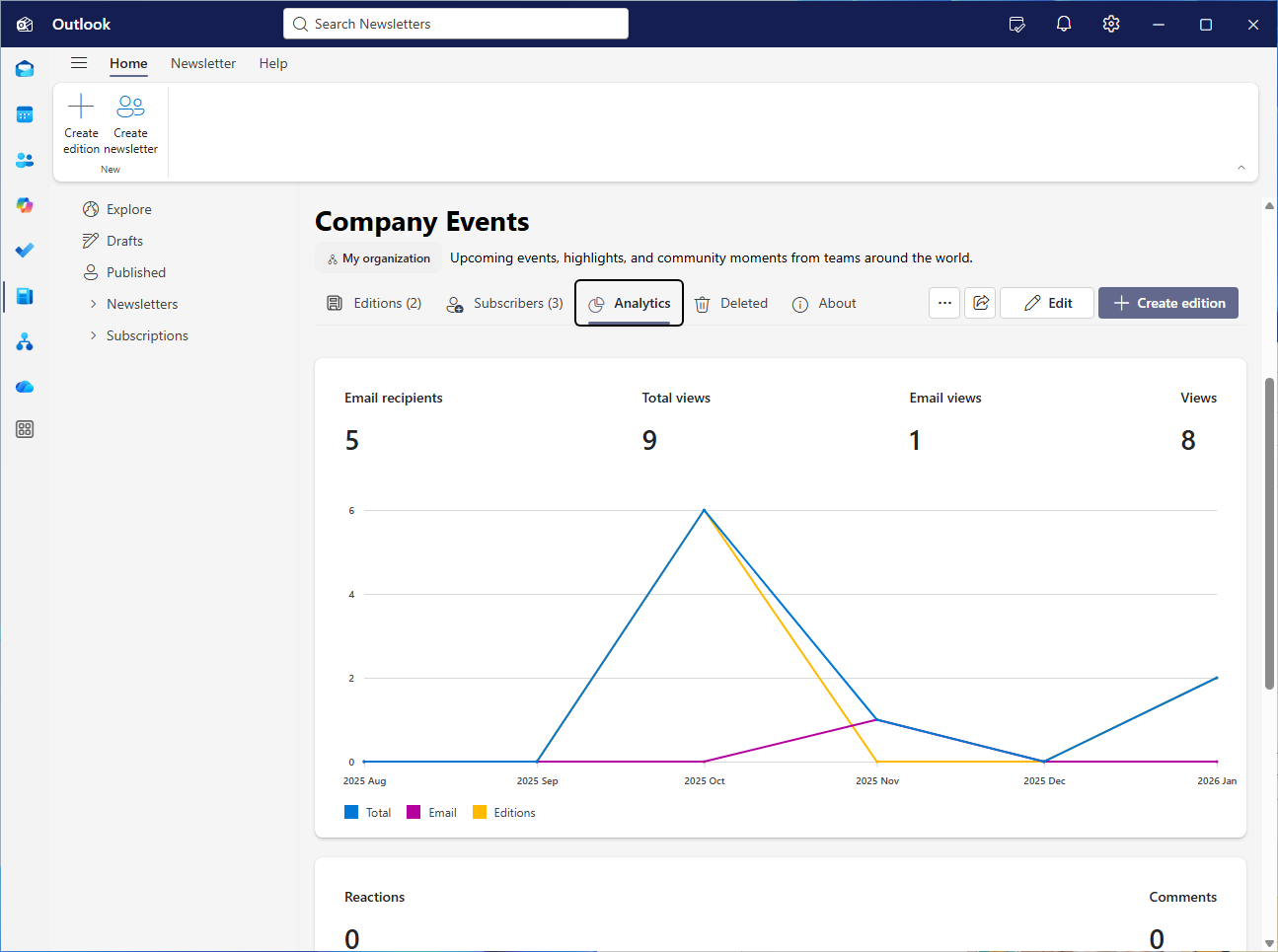
The new Outlook newsletter is increasingly evolving from a static mailing format to a flexible communication tool. With the new features, you can control editions more precisely, adjust content at any time, and easily restore previous versions. The ability to actively engage readers is particularly valuable: comments and reactions provide visible feedback and make it easier to prioritize topics or identify trends. In addition, the integrated analytics provide clear insights into the reach and behavior of your target audience. This turns each issue into a learning product that you can optimize step by step—in a data-driven, traceable, and targeted manner.
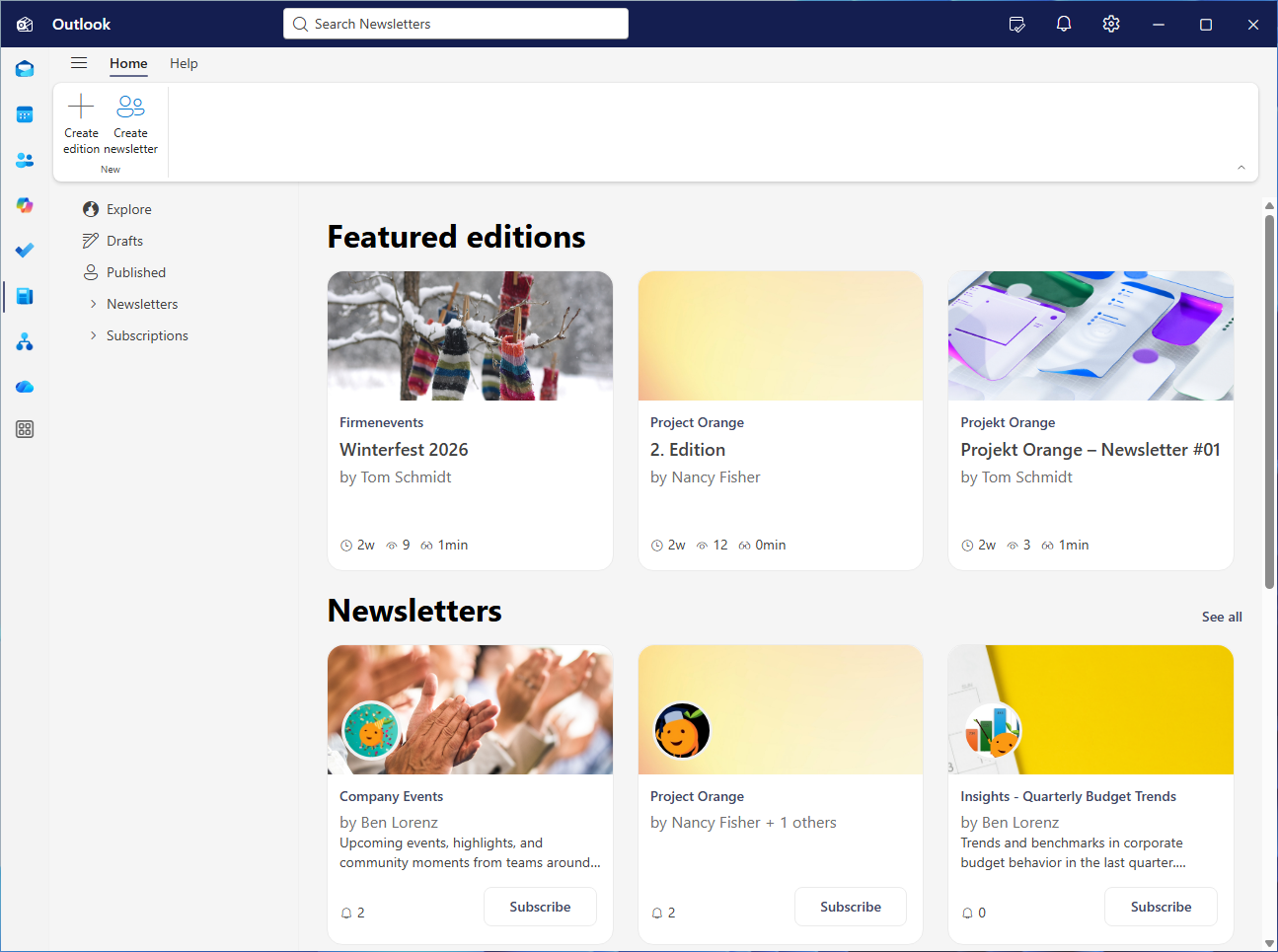
Find newsletter analytics: To access the analytics for a newsletter edition, open “More Apps,” select “Newsletter,” and click on the desired issue. Under “Analytics,” open the time period menu next to the clock icon and select a time period. Then scroll down for more statistics.

Show me similar content
Microsoft 365 Hacks


